

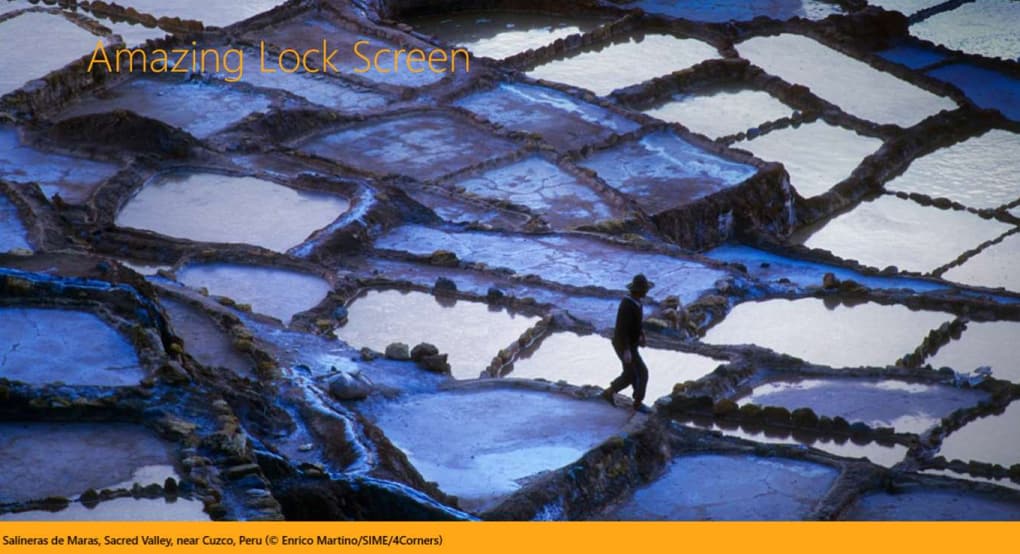

Download Amazing Lock Screen – free lock‑screen wallpaper app
Overview
Amazing Lock Screen is a lightweight, free app that transforms the ordinary lock screen of your Windows, macOS, Android or iOS device into a dynamic gallery of stunning images. Powered by Bing’s daily image feed, the app automatically fetches high‑resolution photos and lets you choose the perfect picture to greet you each time you wake your device. Whether you prefer breathtaking nature shots, modern cityscapes, or abstract art, Amazing Lock Screen delivers a fresh visual experience without draining battery or compromising performance.
The intuitive interface makes it easy to set a single favorite image or enable the “auto‑change” mode, which swaps the lock‑screen wallpaper every 24 hours. In addition to aesthetics, the app respects privacy – it never accesses personal files or contacts, and all image downloads are encrypted over HTTPS. For users who love personalization but dislike manual updates, this tool offers a seamless, secure, and completely free solution to keep your lock screen looking fresh and inspiring.
Amazing Lock Screen Key Features
- Daily refreshed images sourced directly from Bing’s high‑quality photo collection.
- One‑tap selection of a favorite picture or automatic “image of the day” rotation.
- Full compatibility with Windows 10/11, macOS 10.13+, Android 6.0+, and iOS 13+.
- Low‑memory footprint – the app runs in the background without noticeable CPU impact.
- Secure HTTPS download ensures images cannot be intercepted or altered.
- Customizable refresh interval (24 h, 12 h, or manual).
- Option to save favorite images to a local gallery for offline use.
- Simple, ad‑free interface with a dark‑mode theme for night‑time usage.
- Automatic permission handling – no need to grant unnecessary system access.
- Free updates that add new categories and improve stability.
Installation, First‑Run Setup & Compatibility
Getting Amazing Lock Screen up and running is a breeze. For Windows and macOS, download the installer from the official website or a trusted app store. The installer is signed, so Windows Defender or macOS Gatekeeper will verify its authenticity automatically. On Android, locate the app in the Google Play Store; on iOS, search the App Store. Click “Install” and wait a few seconds while the package is verified and extracted.
After installation, launch the app. The first‑run wizard asks for permission to change the lock‑screen wallpaper – a single prompt that, once accepted, allows the app to apply images without further user interaction. You can immediately browse today’s Bing selection, preview each picture in full‑screen, and tap “Set as lock screen” to apply it instantly. If you prefer automation, toggle the “Auto‑change daily” switch; the app will then schedule a background task that fetches a new image each morning.
Compatibility details (itemprop="operatingSystem"): The application supports Windows 10/11 (64‑bit), macOS 10.13+ (Intel and Apple Silicon), Android 6.0+ (API 23) and iOS 13+ (iPhone and iPad). It requires a minimum of 150 MB free storage for the image cache and runs on devices with at least 2 GB RAM. Because the app uses only native APIs for wallpaper changes, there is no need for root or jailbreak access. Users on older operating systems will still be able to download the app, but automatic rotation may be limited to manual triggers.
Pros, Cons & Frequently Asked Questions
Pros
- Completely free with no hidden fees or subscription traps.
- Daily fresh content keeps the lock screen exciting.
- Lightweight and does not affect battery life.
- Secure HTTPS downloads protect against tampering.
- Cross‑platform support ensures a consistent experience.
Cons
- Requires an internet connection for automatic updates.
- Limited customization beyond the Bing image feed (no user‑uploaded photos).
- Auto‑change feature may be disabled on some corporate‑managed devices.
FAQ (itemtype="https://schema.org/FAQPage")
Can I use my own pictures instead of Bing images?
At the moment Amazing Lock Screen only pulls images from Bing’s daily feed. However, you can save any displayed picture to your device and set it manually as the lock‑screen wallpaper through the operating system’s native settings.
Does the app collect any personal data?
No. Amazing Lock Screen only accesses the system’s wallpaper service and the internet to download images. It does not request contacts, location, or any other personal information.
How much storage does the app need?
The app itself occupies about 30 MB. An additional 150 MB is allocated for caching the daily images, which can be cleared from the settings menu at any time.
Can I schedule the image change at a different time than midnight?
Yes. In the Settings panel you can choose between 24‑hour, 12‑hour, or manual refresh intervals, allowing you to control exactly when a new wallpaper appears.
Is the app available in languages other than English?
The current release supports English, Spanish, French, German, and Italian. Additional languages are planned for future updates based on community demand.
Amazing Lock Screen delivers exactly what its name promises – a fresh, visually appealing lock screen without the hassle of manual updates. The free model is generous, the interface is clean, and the daily Bing feed provides high‑quality images that suit a wide range of tastes. While power users may miss the ability to import personal photos, the app’s stability and low resource usage make it a solid choice for anyone looking to add a splash of color to their device.
Final Verdict – Should You Download Amazing Lock Screen?
If you enjoy a beautifully curated lock‑screen experience and prefer a set‑and‑forget solution, Amazing Lock Screen is one of the most reliable free options on the market. Its cross‑platform availability, secure download process, and daily fresh content make it a standout among wallpaper utilities. The few limitations – such as the reliance on Bing’s image pool and the need for an internet connection – are outweighed by the convenience of automatic updates and the app’s minimal impact on system performance. Download today, enable the auto‑change feature, and let your device greet you with a new masterpiece every morning.







